 MechPilot
Open-source mechanical CAD for macOS, Windows and Linux
Production drawings to ISO standards, with 3D parts built in.
MechPilot is a desktop CAD app for mechanical design companies: draw, dimension and annotate to ISO 128, 129-1 and 7200, constrain your sketches, and export DXF and vector PDF. 3D parts with drawings linked to the model are being built next.
Free and open source. Runs on your computer. Your files stay yours.
Version 0.5.0, in development: milestones M0–M4 of M0–M8 are done. The first release is not out yet.
2D first Available
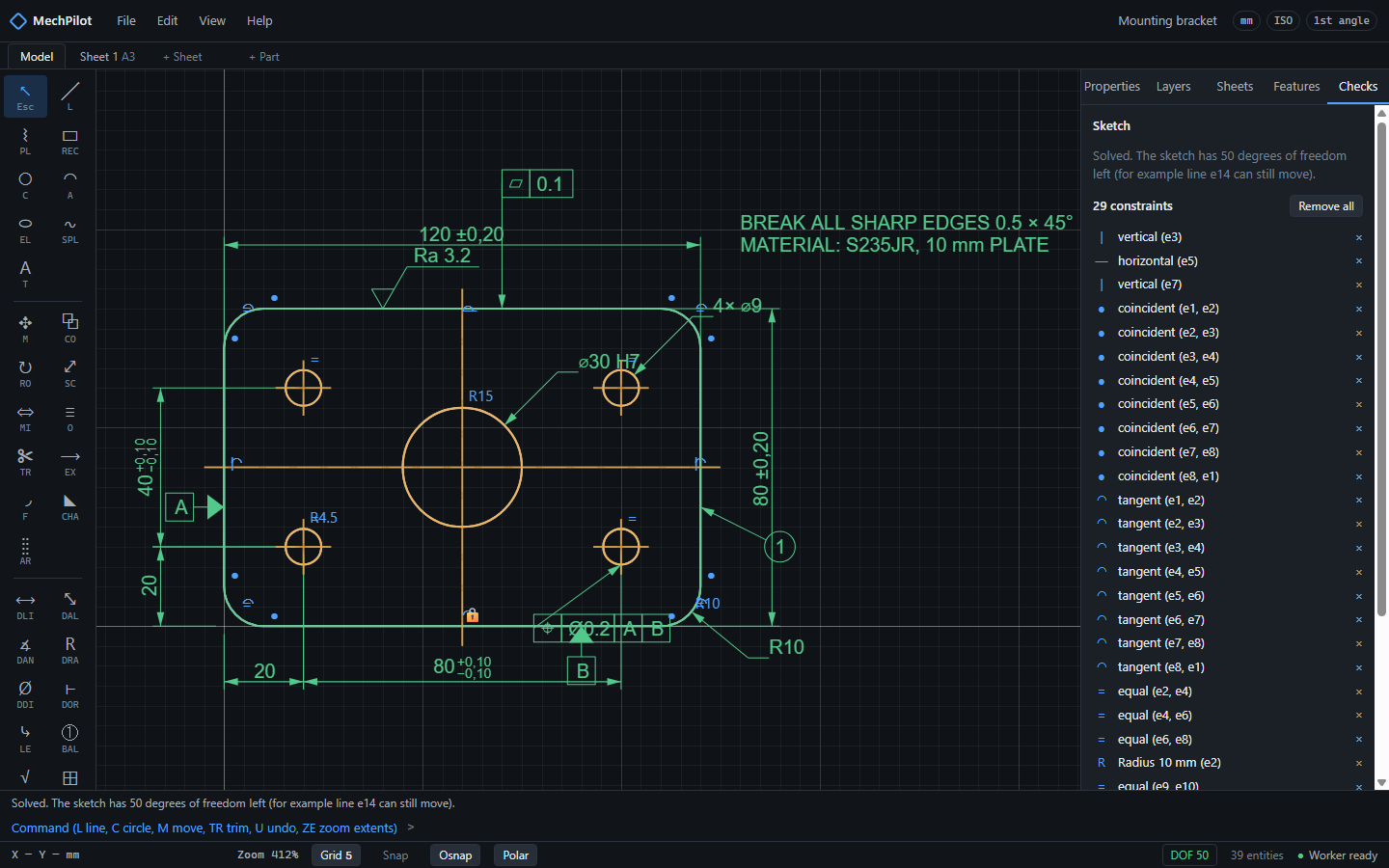
Lines, arcs, dimensions, tolerances and ISO 286 fits, surface texture, GD&T frames, sheets A4 to A0 with frame and title block. Vector PDF and DXF out.
3D where it helps In development (M5)
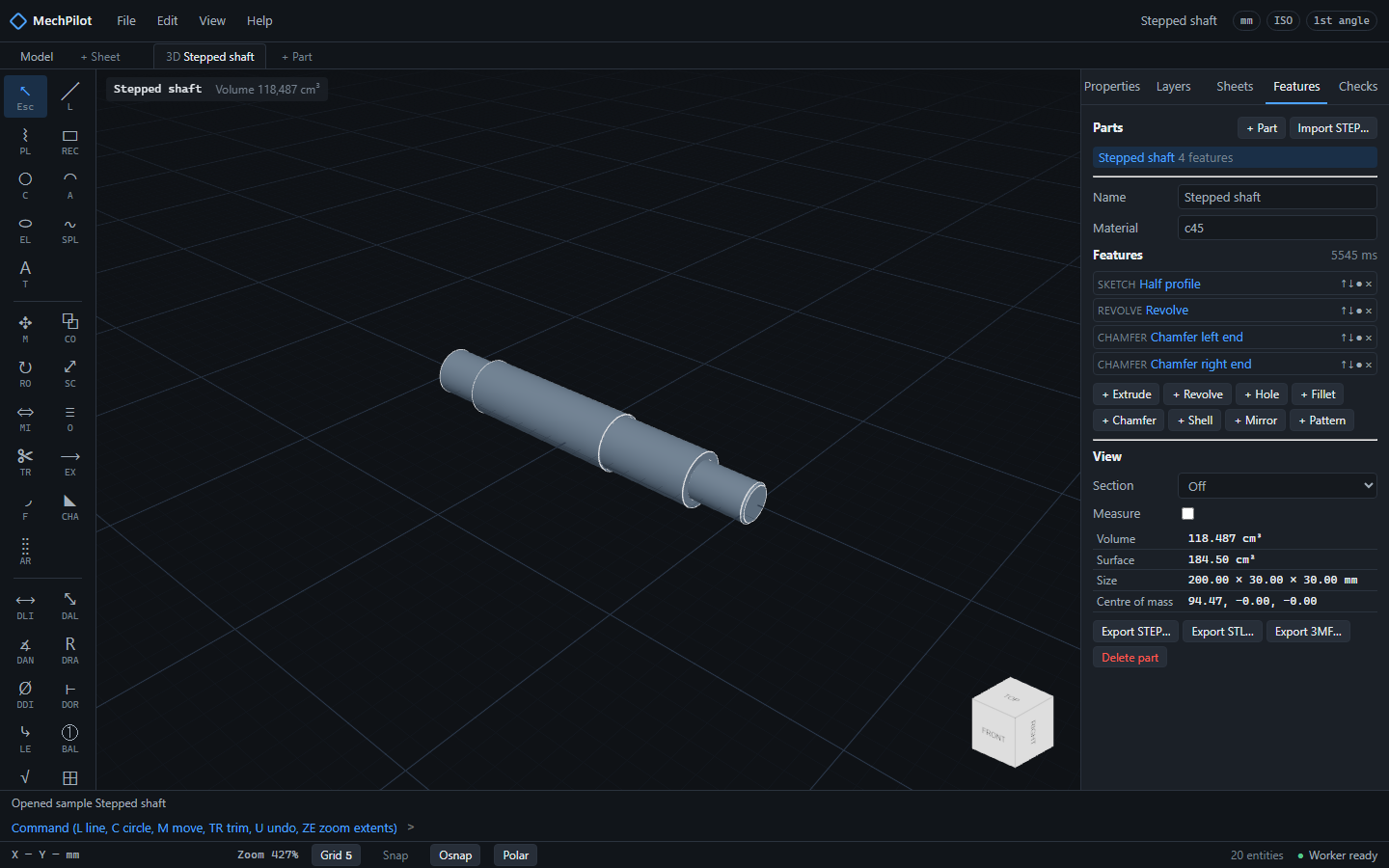
Extrude, revolve, holes, fillets, patterns on a parametric feature tree. Change a value and the part rebuilds; the drawing views follow. STEP in and out.
Checks on every change In development (M7)
Under- and over-constrained sketches explained in plain words today; missing dimensions, fits that do not exist and empty title-block fields next, each on the drawing with a one-click fix.
The real app
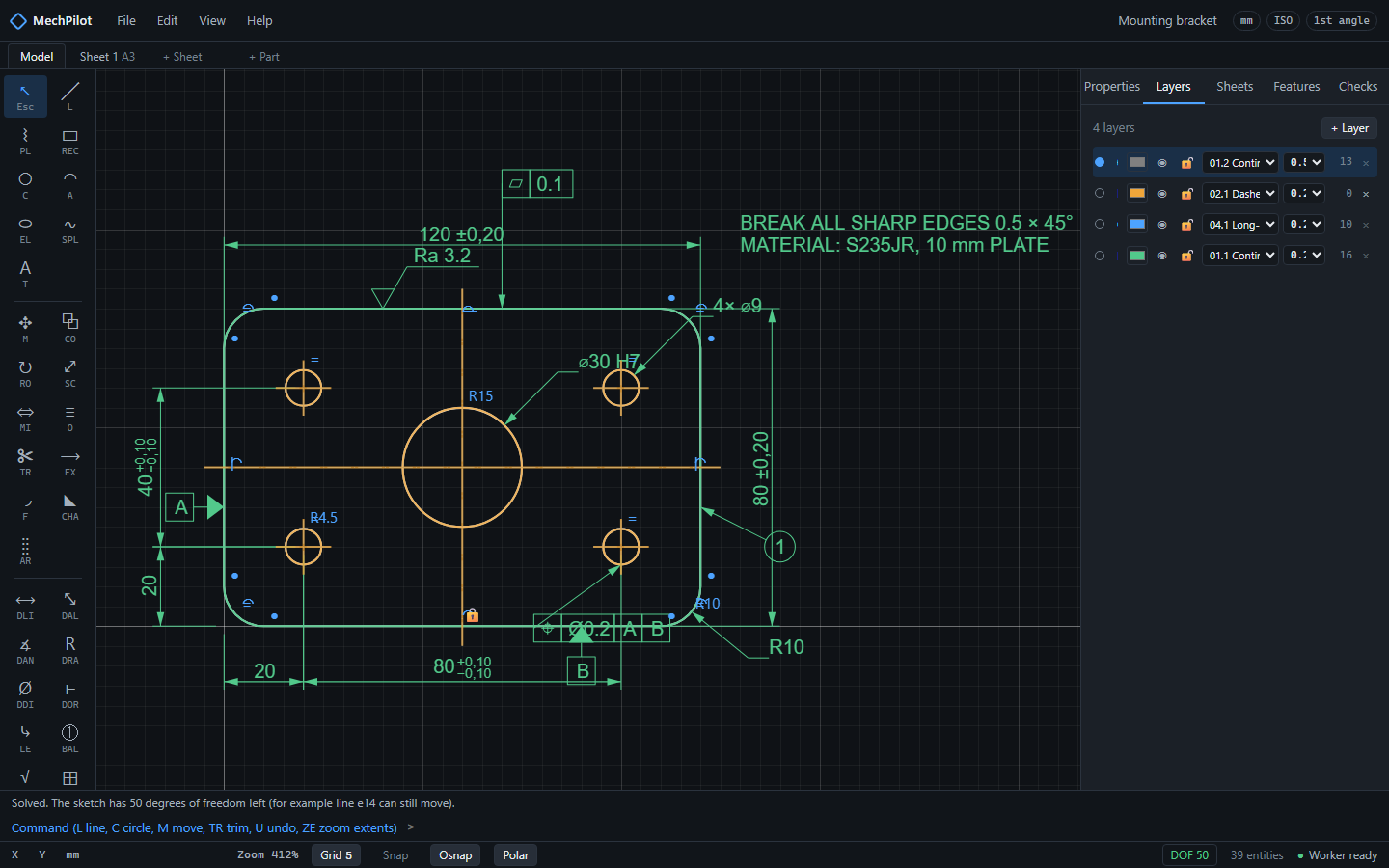
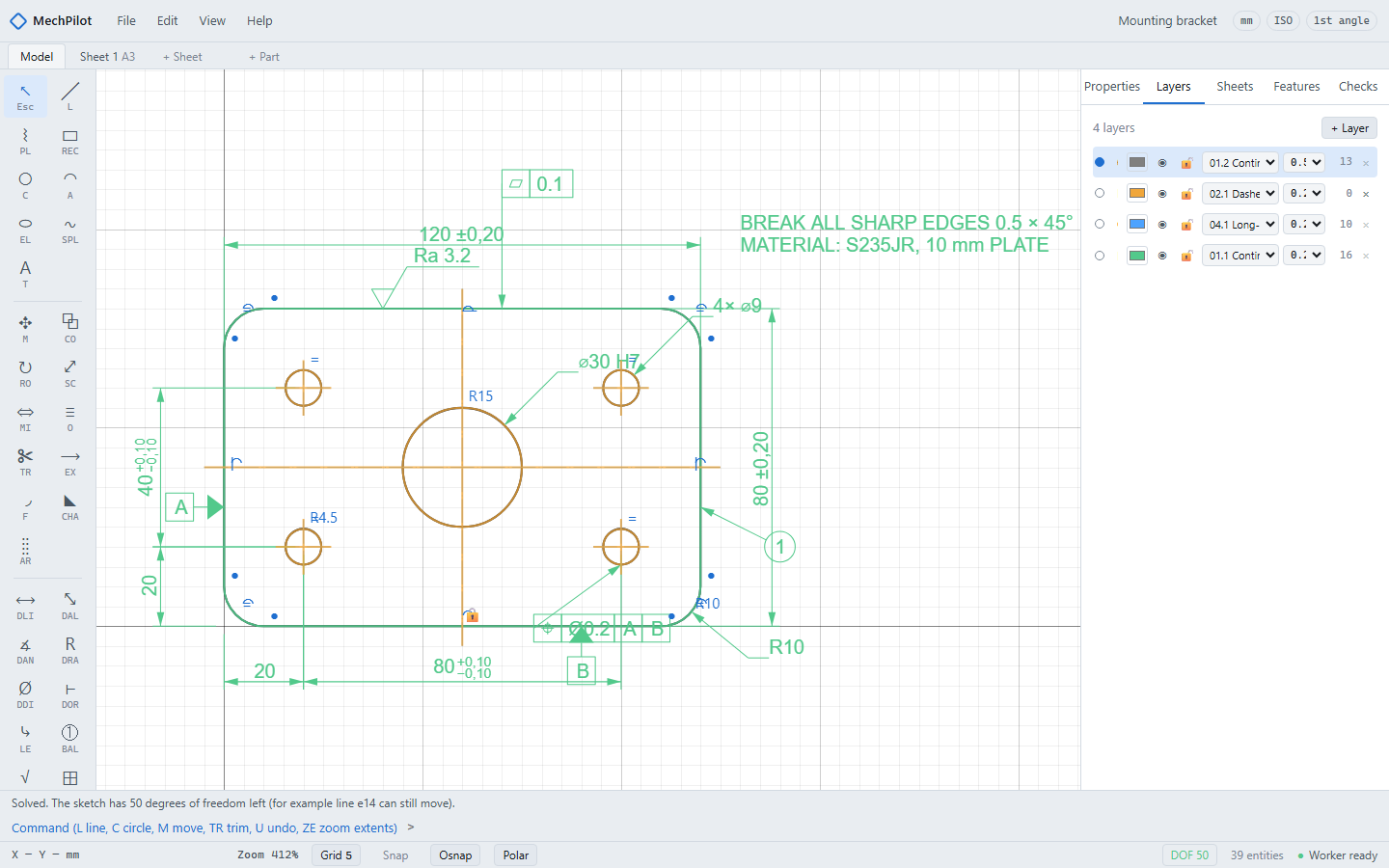
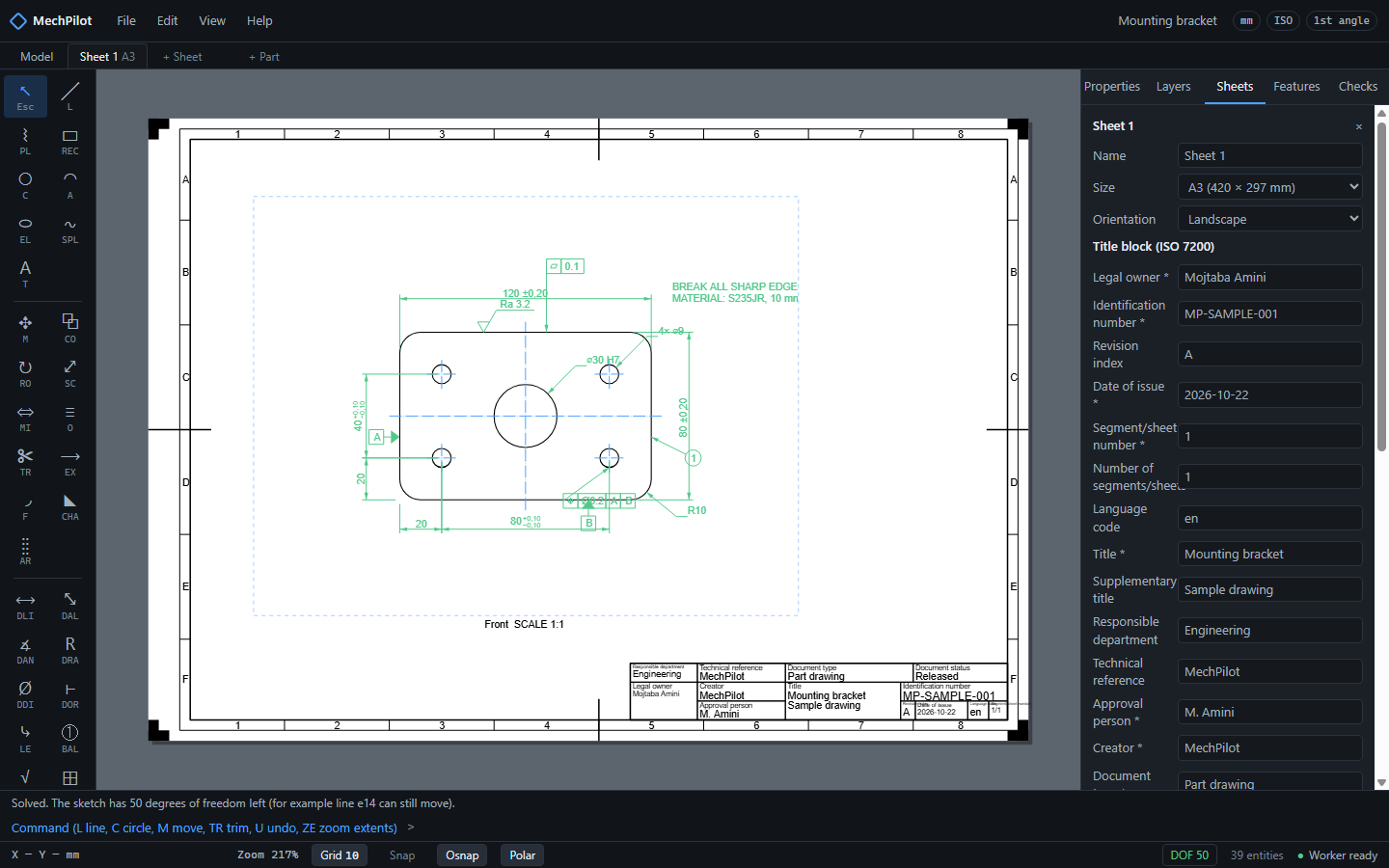
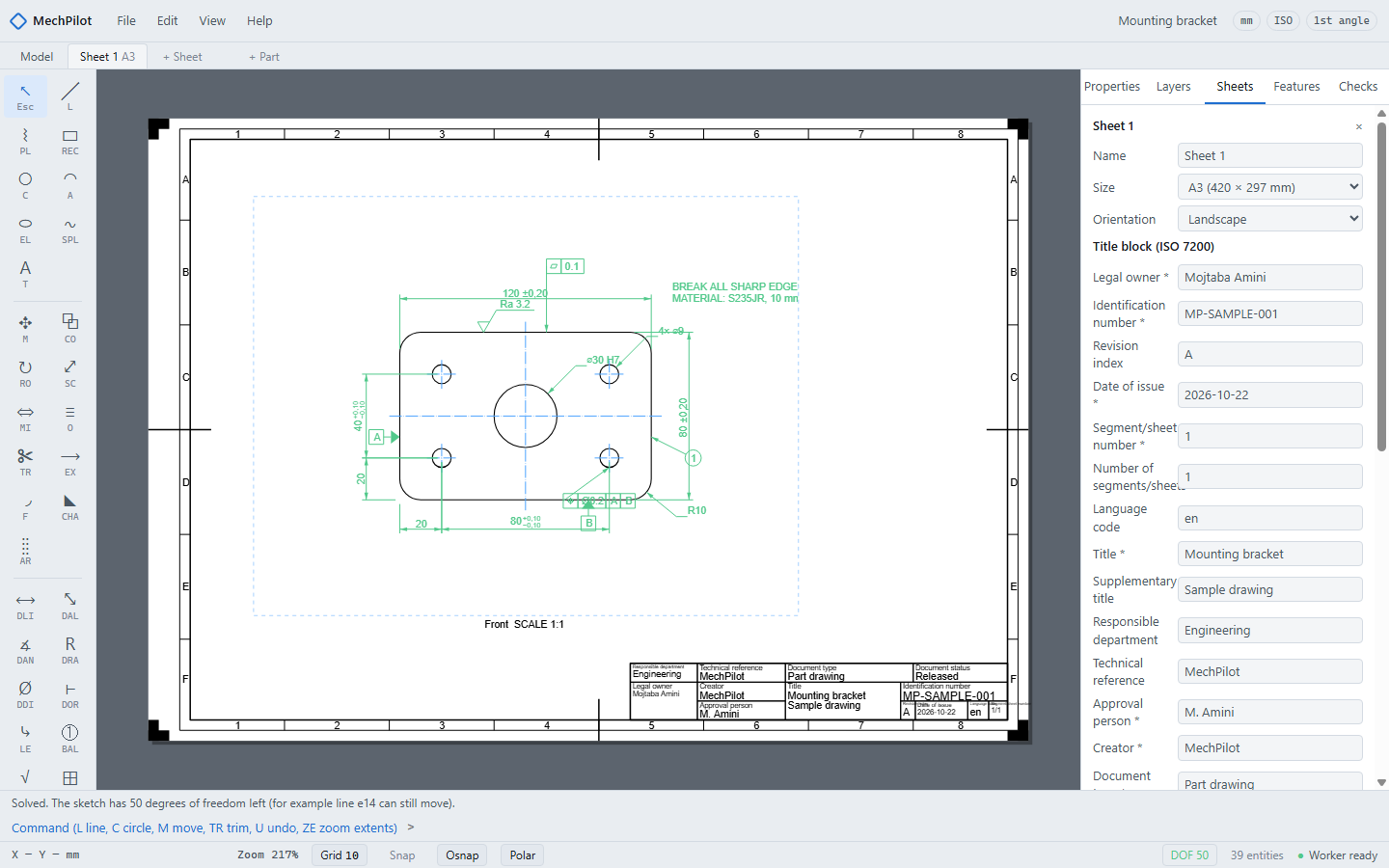
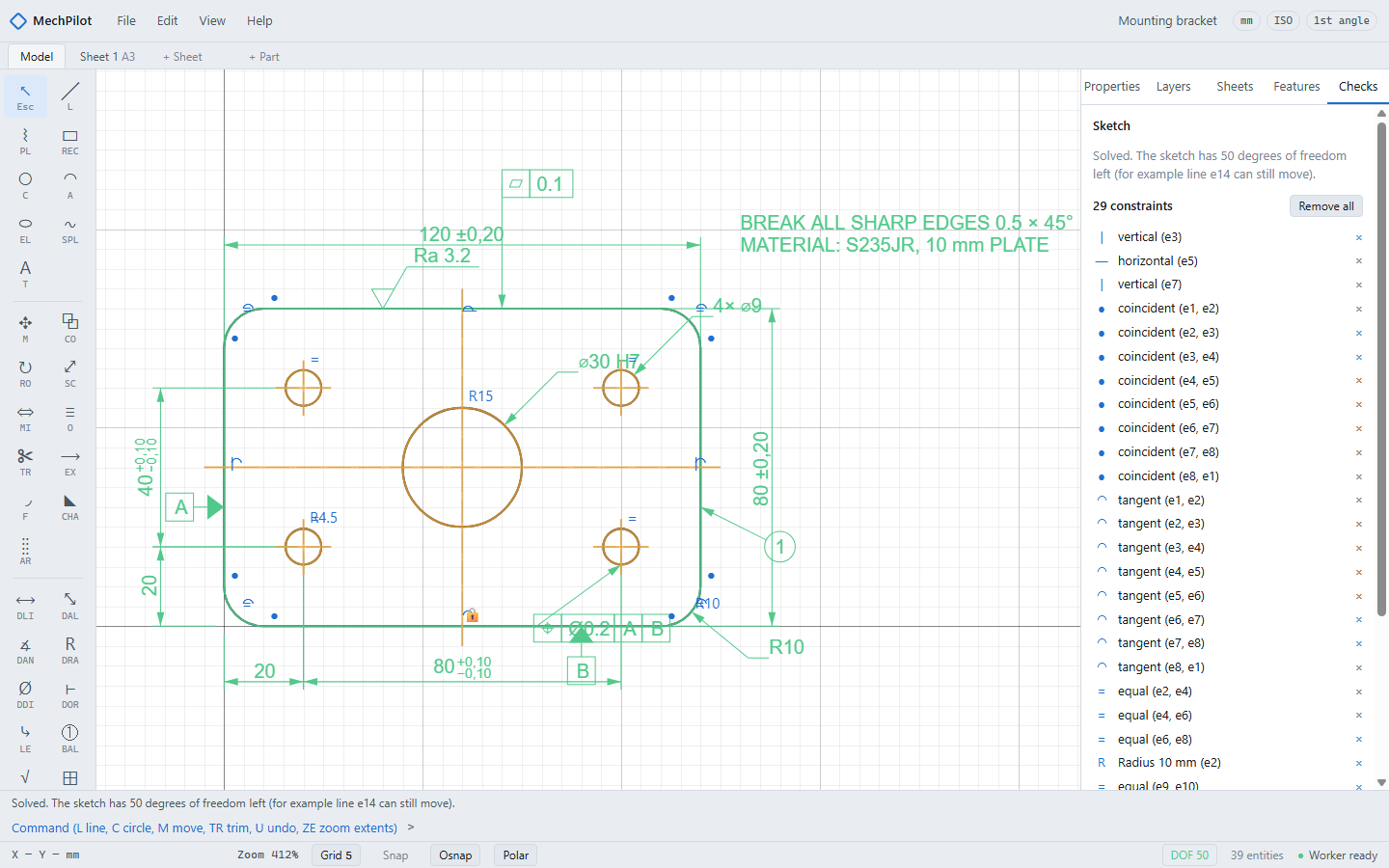
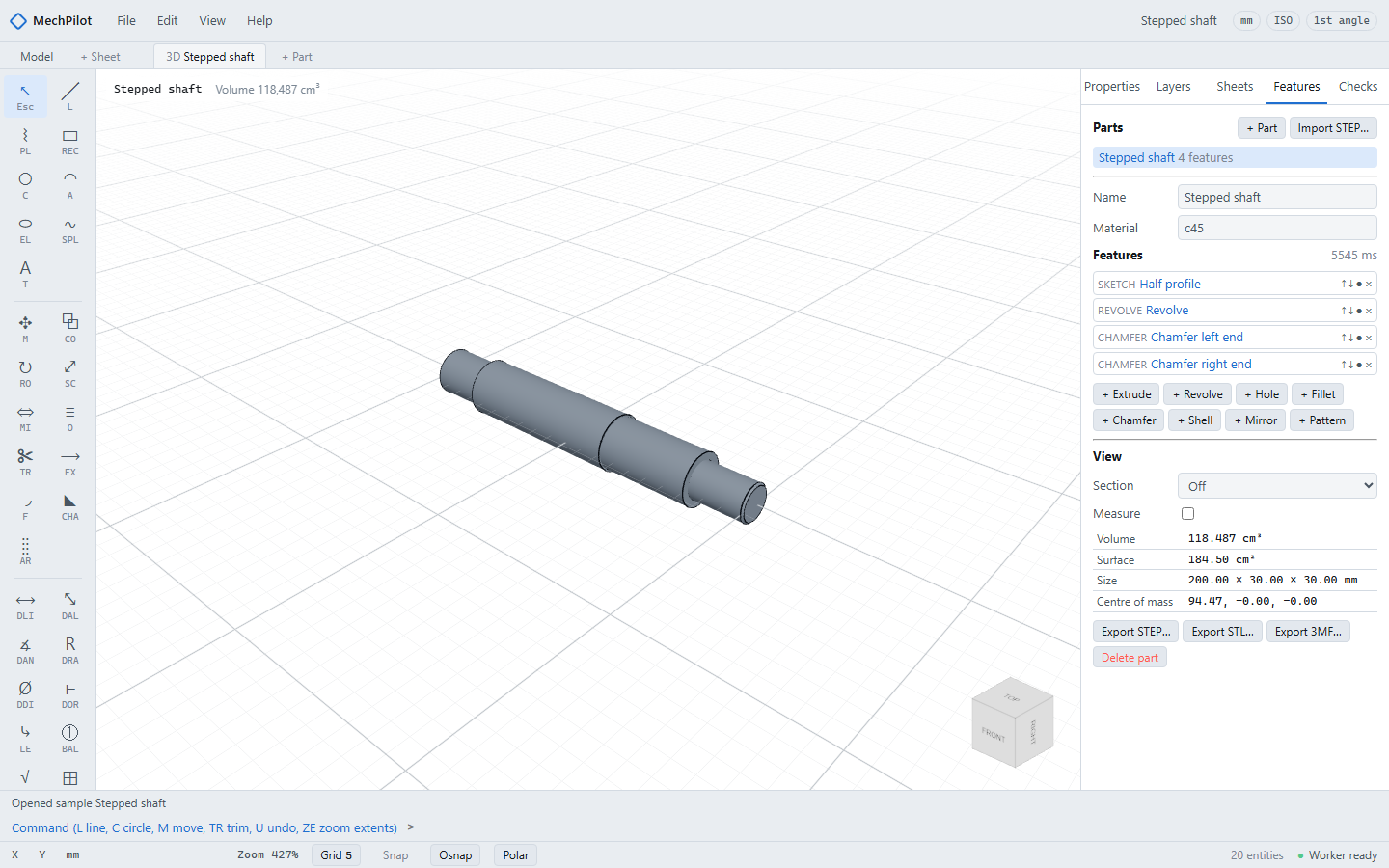
Screenshots of MechPilot with the sample drawing that ships with it, taken from the current build.
Theme:
Free and open source. Runs on your computer. Your files stay yours.
- Local-first: no account, no cloud, no telemetry. The optional AI assistant will use your own API key.
- An open, documented, versioned file format (plain JSON) that diffs well in Git. Autosave and crash recovery.
- Millimetres in double precision; nothing is rounded on save, load or export.
- Every drawing rule and table value cites its standard and clause. ISO by default, ASME as an option.
- Apache-2.0. No GPL dependencies, checked in CI.
Files that open everywhere
DXF for drawings, STEP for parts, vector PDF at true scale for the shop floor, and a native format anyone can read.
| Format | Open | Save or export | Notes |
|---|---|---|---|
| MechPilot drawing (.mechpilot.json) | Yes | Yes | Open, documented JSON |
| DXF (R12 and 2000) | Yes | Yes | For drawings; round-trip tested |
| PDF (vector, true scale) | No | Yes | For the shop floor; one page per sheet |
| STEP | Yes | Yes | For 3D parts |
| STL and 3MF | No | Yes | For 3D printing |
| DWG | No | No | The only free DWG library is GPL; DXF covers the exchange. |
Download
The first release is not out yet. Installers for macOS, Windows and Linux come with milestone M8; until then these buttons open an empty releases page. You can build MechPilot from source today: how to build it.
Builds are unsigned for now: macOS and Windows will ask you to confirm the first start.
How it compares
An honest comparison with the tools engineers know. MechPilot is young: where a feature is not built yet, the table says so.
| Feature | MechPilot | AutoCAD LT | DraftSight | FreeCAD | LibreCAD | SolidWorks |
|---|---|---|---|---|---|---|
| Licence and price | Apache-2.0, free | Proprietary, subscription | Proprietary, paid | LGPL-2.0-or-later, free | GPL-2.0, free | Proprietary, paid |
| Platforms | macOS, Windows, Linux | Windows, macOS | Windows | Windows, macOS, Linux | Windows, macOS, Linux | Windows |
| Open, documented native file format | Yes (JSON) | No (DWG) | No (DWG) | Yes (FCStd) | Yes (DXF) | No |
| DXF in and out | Yes | Yes | Yes | Yes | Yes | Yes |
| Parametric sketches (constraints) | Yes | — | — | Yes | No | Yes |
| 3D solid parts | Yes | No | — | Yes | No | Yes |
| STEP in and out | Yes | — | — | Yes | No | Yes |
| ISO dimensioning | Yes (ISO 129-1) | Yes (ISO-25 style) | — | Yes (TechDraw) | — | Yes |
| Runs offline, no account | Yes | No (Autodesk account) | — | Yes | Yes | — |
Other tools as described by their makers in October 2026; check their sites before you decide. “—” means we have not verified it, so we make no claim. “Planned” means not built yet: the milestone is in the roadmap. Corrections are welcome on GitHub.
Standards, with their sources
The tables MechPilot draws with, one page each, with the standard, the clause and how every value was checked: ISO 286 fits, sheet sizes, line types, lettering, GD&T symbols, surface texture, scales and title blocks.
Guides: ISO fits explained · First angle and third angle projection
For companies
Support, training on your own parts, and custom features such as your title block, libraries and drawing rules, from the people who build MechPilot.